
Get the app
Join PulseVerse free.
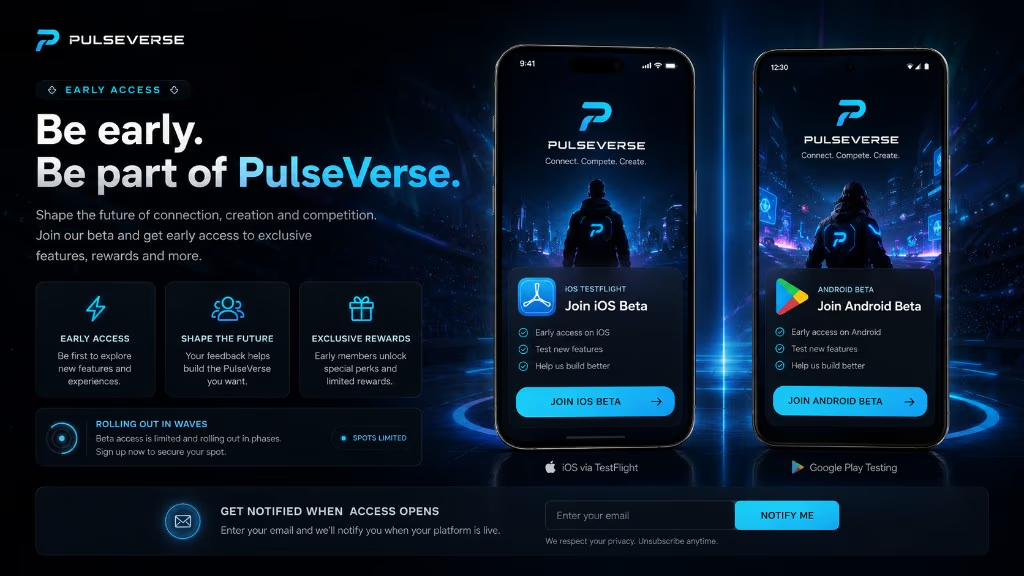
Early access is open on iOS and Android. Start in the mobile app for the full experience, then use the web beta when you want PulseVerse in the browser.
On desktop? Use both beta links below, or scan the QR code with your phone.

Scan to download
Opens pulseverse.app/download on your phone.
Install the beta
- iPhone / iPad: install Apple TestFlight from the App Store, tap Join iOS beta below, accept the invite, then Install in TestFlight.
- Android: tap Join Android beta below, opt in on Google Play, then Install from the Play Store listing.
- Open PulseVerse and sign in with your account — Wi‑Fi helps on first launch.
Questions? FAQ includes eligibility and regional rollout notes.
Web beta: Feed is the main browser surface today — more areas roll out over time. Mobile is still the best full PulseVerse experience.
Mobile app available now. Web beta expanding.